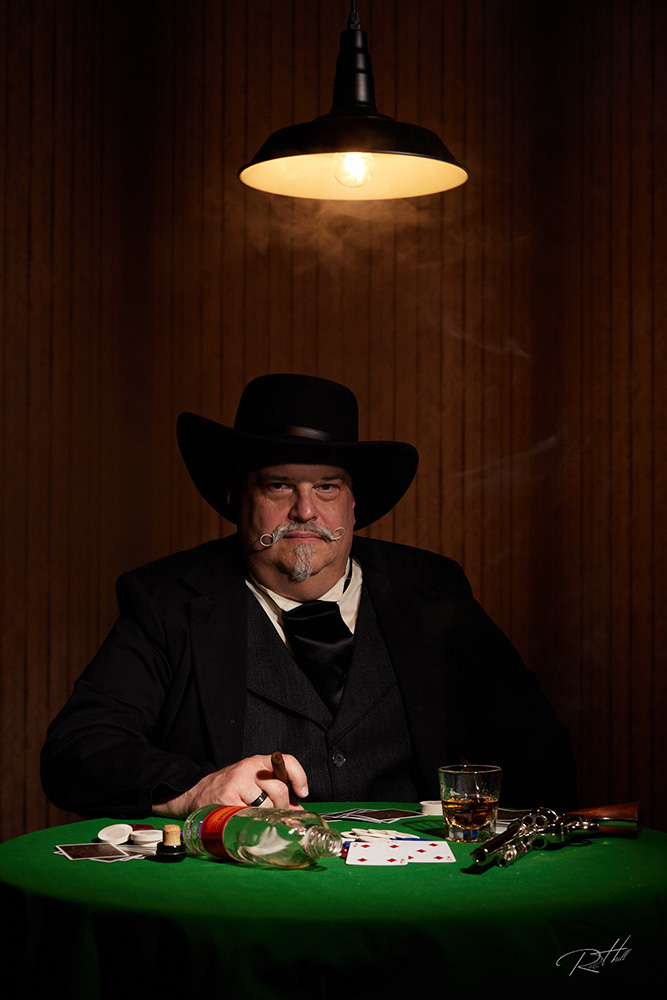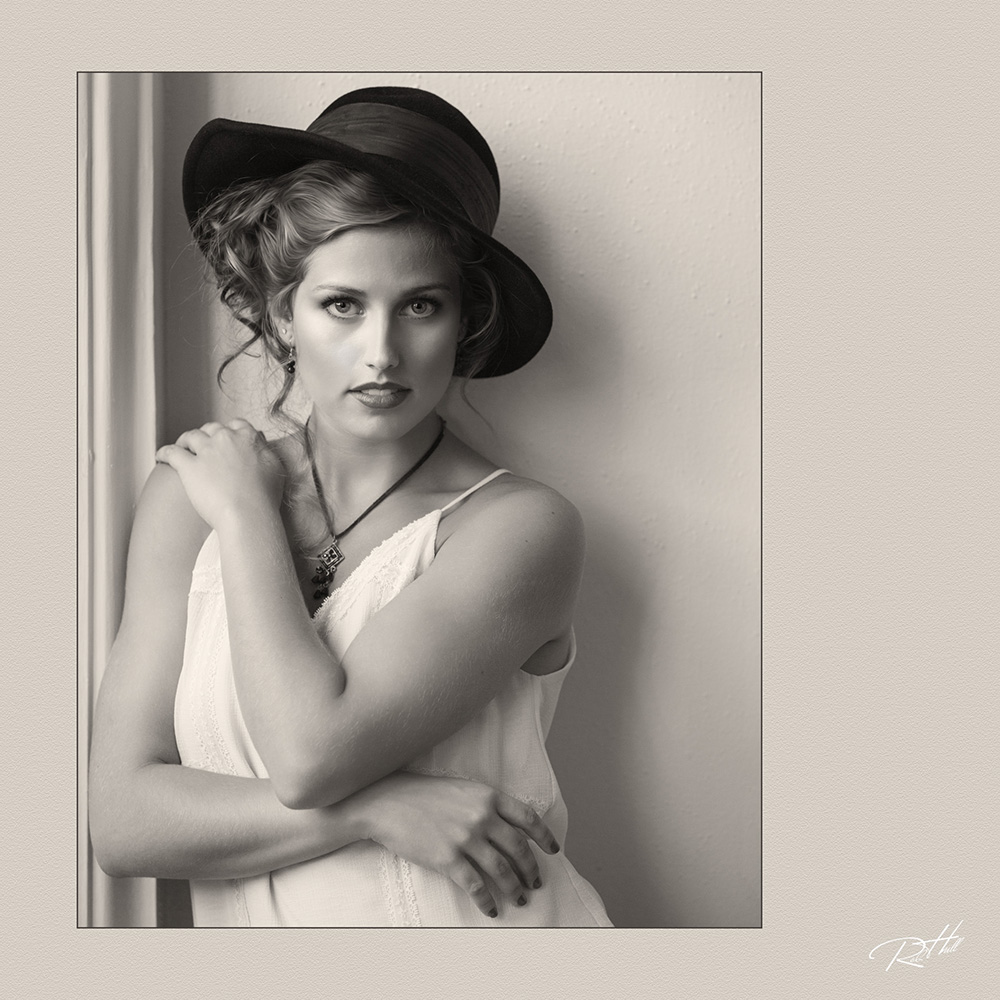
Rob Hull
Track: Digital Post-production
At a Glance
- Build an efficient, repeatable digital workflow centered on Capture One.
- Organize, evaluate, adjust, and process images with greater speed and consistency.
- Integrate Capture One effectively with Photoshop, Evoto, Topaz, and other specialized applications.
- Identify which tasks belong in Capture One and when another program is the better choice.
- Create a flexible workflow that can be adapted to different clients, assignments, and photographic specialties.
Class Description
Build a faster, more organized, and more flexible digital workflow with Capture One at its center. In this hands-on class, you will learn how to use Capture One to manage files, evaluate and organize images, apply adjustments, work efficiently with layers and masks, process groups of images consistently, and prepare finished files for clients, printing, and delivery.
You will also explore how Capture One works alongside Photoshop, Evoto, Topaz, and other specialized image-processing applications when additional retouching, enhancement, or creative work is needed.
This class is designed for professional photographers who want greater control over their workflow, whether you are new to Capture One or already using it but feel you are not taking full advantage of its capabilities. The emphasis will be on practical, repeatable techniques that reduce unnecessary steps, improve consistency, and help you move confidently from capture to completed image.
You will leave with a clearer understanding of how your software tools fit together, a more efficient approach to post-production, and a workflow that can be adapted to portrait, commercial, event, landscape, and fine-art photography.
Because this is a hands-on class, you should bring a laptop computer with the current version of Capture One installed. If you do not own Capture One, you may use the free trial, but because the trial is time-limited, you should not activate it too far in advance of the class. A detailed list of what to bring and how to prepare your computer will be sent to you before the class begins. Class image files will be provided.
- CLASS INTENSITY: Green
- CLASS BREAKDOWN
This is a highly interactive, computer-based class. The class will also include a photo session with a model, allowing you to experience shooting tethered directly into Capture One.
Classroom instruction & demos: 20%
Hands-on: 80% - PREREQUISITES:
Post-Production 2: Looking for guidance beyond image adjustments
What do these mean? Learn More
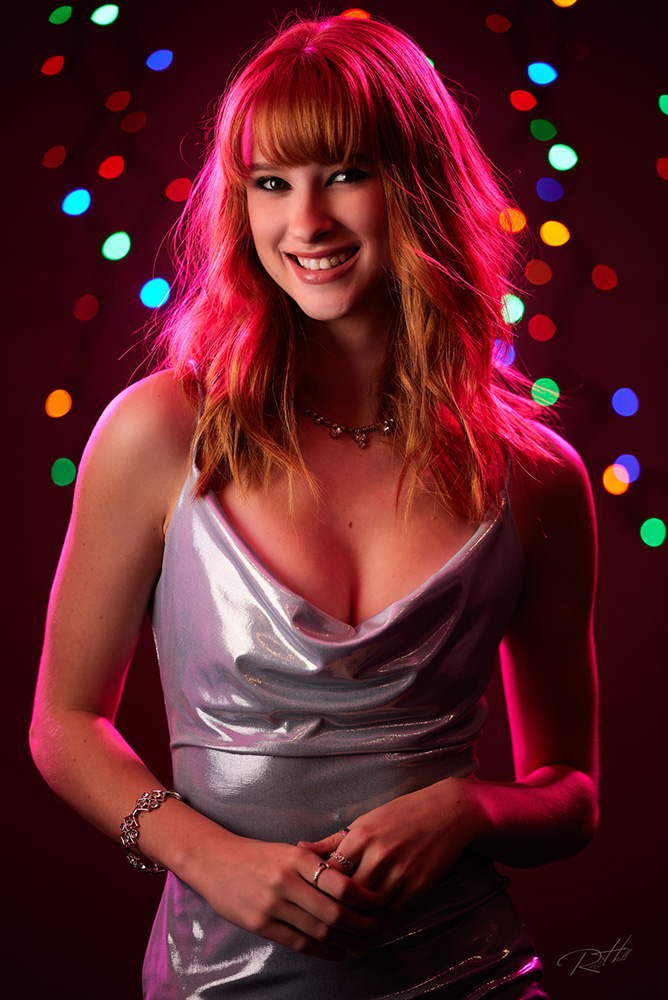
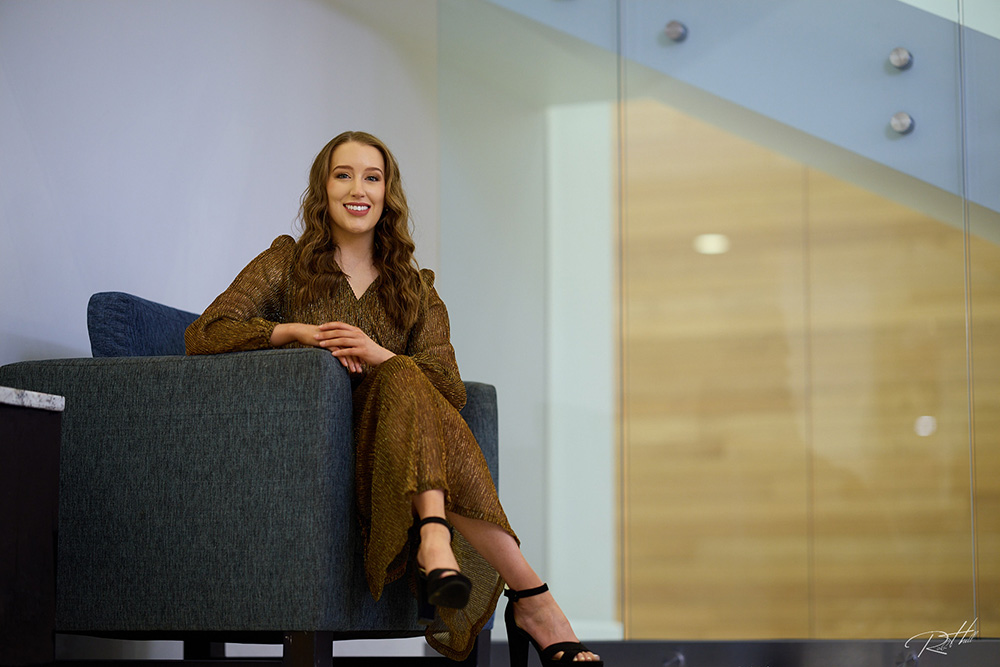


Meet Your Instructor

Rob Hull
Coppell, TX
Website: GreatPhotography.com
Rob Hull, M.Photog.Cr., CPP, is a PPA National Award recipient and a Capture One Certified Professional with decades of experience as a commercial photographer and educator. Through GreatPhotography, he teaches photography, lighting, digital workflow, and post-production, and has led workshops throughout the United States and internationally.
Rob is a longtime member and past leader of the Dallas Professional Photographers Association and has taught more than 3,000 students through SMU Continuing and Professional Education.