
Scott Detweiler
Texas School Saturday
At a Glance
- Business owners who want more capacity without creating more busywork.
- Leaders trying to understand where AI can produce a measurable return.
- Marketing, sales, and customer-success teams buried in repetitive preparation.
- Operations leaders who need better documentation, training, and knowledge sharing.
- Creative teams that want assistance without flattening their judgment or voice.
- Organizations concerned about privacy, intellectual property, and responsible adoption.
Class Description
Most companies are using AI to write emails. The larger opportunity is giving capable people more time to think, create, sell, and improve the business.
The AI-Enabled Photographer is a full-day seminar on using AI as a practical business capacity: an analyst, growth partner, and operations assistant working from your company’s trusted knowledge. We will cover conversion, SEO, brand consistency, sales preparation, customer insight, documentation, automation, privacy, local AI, and responsible human review.
Bring a real business challenge. Leave with a practical 30-day pilot.
You will learn how to give AI the context it needs to produce work that sounds like your company instead of generic internet copy. We will discuss retrieval-augmented generation, often called RAG, in plain business language: how to let an AI work from your approved documents, products, policies, and customer knowledge without expecting it to guess what makes your organization different.
We will also address the questions responsible businesses cannot ignore. What information is safe to share? When should AI run locally? Where does human review belong? How do you avoid confident mistakes, protect intellectual property, and keep a useful tool from quietly becoming a source of risk?
This is not a promise that AI will run your business for you. It is a clear, grounded look at how capable people can use it to remove friction, improve decisions, and finally pursue good ideas that have been waiting for time.
- CLASS INTENSITY: Blue
- CLASS BREAKDOWN
Classroom instruction & demos: 10%
Hands-on: 80%
Post-production: 10% - PREREQUISITES:
Lighting 1: All Levels
Post-Production 1: All Levels
Studio Business 1: All Levels
What do these mean? Learn More



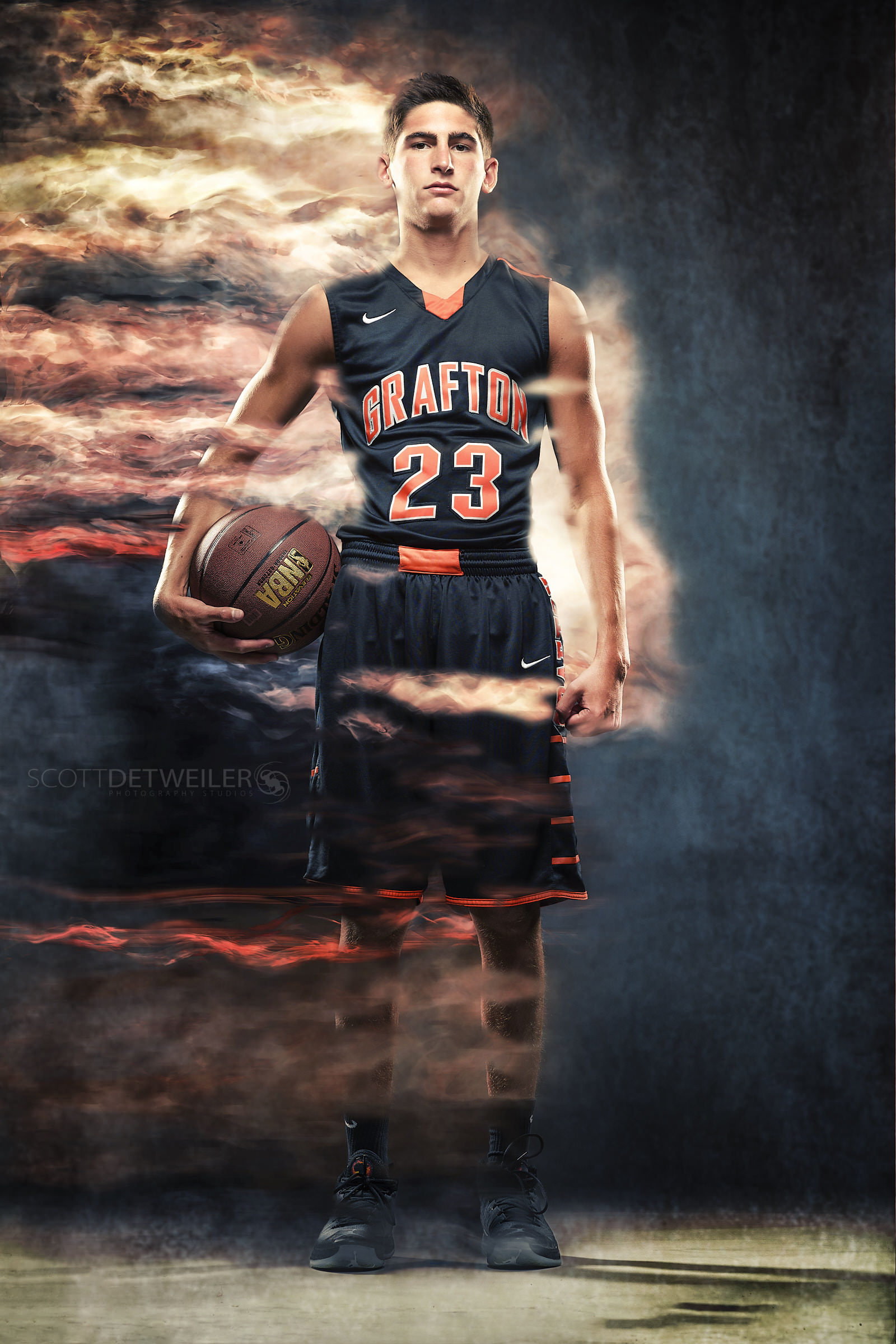



Meet Your Instructor
 Scott Detweiler
M.Photog.Cr.
Sussex, WI
Instagram: sedetweiler
Website: sedetweiler.com
Scott Detweiler brings an unusual mix of business ownership, enterprise technology, product development, portrait photography, and hands-on creative work. He built and grew an IT firm serving organizations including Johnson Controls, Kennedy Space Center, AAA, and UPS, then spent nearly four years in Applied Research and Product at Stability AI during the rapid growth of generative AI.
His perspective is practical: understand the technology well enough to use it responsibly, then bring the conversation back to people, customers, process, creativity, and measurable business value.